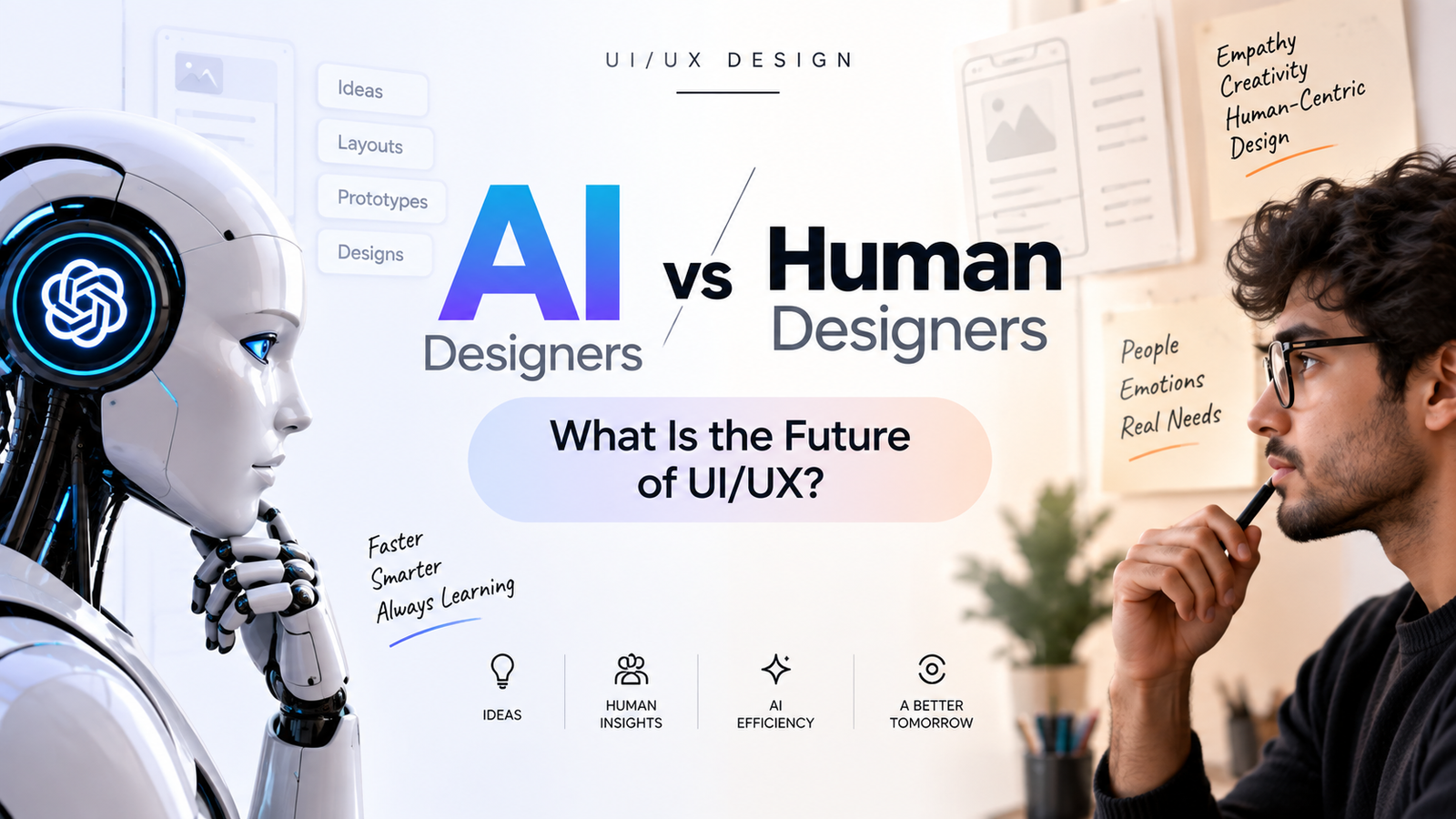
AI vs Human Designers: What Is the Future of UI/UX?
Artificial intelligence is changing the way digital products are designed. AI tools can now generate layouts, create images, rewrite content, suggest design directions, build prototypes, and automate repetitive UI/UX tasks. But does this mean AI will replace UI/UX designers?
The future of UI/UX design is likely to involve a combination of artificial intelligence and human creativity. AI can help designers work faster, while human designers continue to provide user understanding, empathy, product thinking, creativity, and decision-making.
AI vs Human Designers: What Is the Difference?
AI and human designers approach design problems differently. AI can analyze information, generate multiple design possibilities, automate repetitive tasks, and help designers explore ideas quickly.
Human designers understand users, business objectives, emotions, cultural context, usability problems, and the reasons behind design decisions. These skills are especially important when designing products for real people.
| AI in UI/UX | Human Designers |
|---|---|
| Generates design ideas quickly | Understand user needs and context |
| Automates repetitive tasks | Make strategic design decisions |
| Can generate multiple variations | Evaluate which solution is appropriate |
| Processes large amounts of information | Apply empathy and human judgment |
| Helps create prototypes faster | Understand business and product goals |
How Is AI Changing UI/UX Design?
AI is becoming part of the everyday UI/UX workflow. Modern design tools can assist with tasks that previously required significant manual work.
Figma, for example, now offers AI-powered capabilities for generating design directions, editing designs, creating interactions, renaming layers, rewriting content, generating and editing images, and exploring early design concepts. Figma's AI agent can also work directly within the design canvas to generate and refine designs.
This means designers can spend less time on repetitive production work and more time thinking about the actual product and user experience.
What Can AI Do for UI/UX Designers?
1. Generate Design Ideas
AI can help designers explore multiple visual directions from a simple prompt. Instead of starting with a completely blank canvas, designers can use AI-generated concepts as starting points for exploration.
2. Create Early Wireframes
AI can help transform an idea into an initial wireframe or interface concept. These outputs can be used for brainstorming and iteration before creating a final design.
3. Automate Repetitive Tasks
Tasks such as renaming layers, generating content, editing images, creating variations, and organizing design elements can be assisted by AI.
4. Speed Up Prototyping
AI-powered tools can help designers move from an idea to an interactive prototype more quickly. This allows teams to test ideas earlier in the product development process.
5. Generate and Edit Visual Assets
AI can generate images, remove backgrounds, edit visual assets, vectorize images, and create other design resources.
What Can Human Designers Do Better?
1. Understand Human Emotions
UX design is ultimately about people. Human designers can conduct interviews, observe users, understand frustrations, and interpret emotional responses that may not be completely represented in a dataset.
2. Understand the Real Problem
Creating a visually attractive interface is not the same as solving a user problem. A designer needs to understand why a product is being created and whether the proposed solution actually helps users.
3. Make Strategic Decisions
AI can provide options, but product teams still need to decide which direction makes sense for the users, business, technology, brand, and overall product strategy.
4. Apply Empathy and Context
Different users have different cultures, expectations, abilities, environments, and motivations. Human designers play an important role in understanding these contextual factors.
5. Create Original Design Thinking
Good UX is not simply about generating more screens. It involves questioning assumptions, identifying problems, exploring alternatives, and deciding what should and should not be built.
Will AI Replace UI/UX Designers?
AI is likely to automate parts of the UI/UX workflow, but automation of tasks is different from replacing the entire design profession.
Current AI tools are particularly useful for exploration, content, visual assets, repetitive production work, and rapid prototyping. However, AI-generated outputs still need human review. Figma itself notes that AI outputs can be misleading or wrong and should be reviewed rather than treated as automatically correct.
The more important question may therefore be: How can UI/UX designers use AI effectively?
AI + Human Designers: The Future of UI/UX
A practical future for UI/UX design is likely to be collaborative. Designers can use AI as a creative and productivity assistant while remaining responsible for research, design decisions, usability, accessibility, and product thinking.
Figma's 2026 AI research found that 90% of surveyed respondents said design is at least as important as it was before AI, while nearly six in ten said design is more important. The same research also reported that designers are increasingly participating in development workflows.
These findings suggest that AI is changing the role of designers rather than simply eliminating the need for design.
Skills UI/UX Designers Should Learn in the AI Era
If you want to build a career in UI/UX design, learning only a design tool may not be enough. Designers should develop a combination of design, technology, research, and communication skills.
- UI design fundamentals
- UX research
- User interviews
- Information architecture
- Wireframing
- Prototyping
- Figma and design systems
- Auto Layout and components
- Accessibility
- Usability testing
- AI-assisted design workflows
- Product thinking
- Communication and presentation
- Critical and creative thinking
Why Learning Figma Is Still Important
AI does not remove the importance of understanding design fundamentals. In fact, designers need strong fundamentals to evaluate and improve AI-generated results.
Figma remains an important tool for creating interfaces, design systems, prototypes, and collaborative product designs. Its current AI features are increasingly integrated into the design workflow rather than existing as a completely separate process.
Therefore, students planning a career in UI/UX should learn Figma alongside UX principles, visual design, research, prototyping, and AI-assisted workflows.
AI vs Human Designers: Who Is Better at UI/UX?
There is no single answer because AI and human designers have different strengths. AI is useful for speed, automation, exploration, and generating alternatives, while human designers contribute empathy, context, critical thinking, creativity, research, and product decision-making.
Instead of thinking about AI and human designers as competitors, it is more useful to understand how both can work together. A designer who knows how to use AI effectively can potentially explore more ideas, iterate faster, and spend more time solving meaningful user problems.
How AI May Change the UI/UX Designer's Role
As AI handles more production-oriented tasks, the role of a UI/UX designer may increasingly focus on problem definition, user research, product strategy, design direction, validation, and design quality.
Designers may spend less time manually creating every individual element and more time deciding what should be created, why it should exist, and how it should improve the user's experience.
Should Beginners Learn UI/UX Design in the Age of AI?
Yes. However, beginners should learn UI/UX as a complete discipline instead of learning only how to operate a design tool.
A strong learning path can include UX research, user flows, wireframing, visual design, Figma, prototyping, design systems, usability testing, accessibility, portfolio development, and AI-assisted design.
Students searching for a UI/UX design course in Delhi should therefore look for practical training that combines design fundamentals with current digital product and AI workflows.
Learn UI/UX Design in Delhi with Modern Tools
If you are looking for a UI/UX institute in Delhi, it is useful to choose a learning environment where you can practice Figma, UX research, wireframing, prototyping, design systems, visual design, and modern AI-assisted workflows.
UIUXInstitute.in provides UI/UX design learning and training information for students and aspiring designers in Delhi who want to develop practical industry-oriented design skills.
Whether your goal is to become a UI/UX designer, product designer, UX researcher, or digital product designer, understanding both human-centered design and emerging AI tools can help you adapt to the changing design industry.
Frequently Asked Questions
Will AI replace UI/UX designers?
AI is automating many UI/UX tasks, but human designers continue to play an important role in user research, empathy, product thinking, strategic decisions, usability, accessibility, and design direction. The impact will vary by role, organization, and how AI tools are adopted.
Is UI/UX design still a good skill to learn in the AI era?
UI/UX remains relevant because digital products still need to solve user problems and provide usable experiences. Learning UI/UX together with AI-assisted design tools can help designers adapt to changing workflows.
Can AI create a complete website or app UI?
AI tools can generate interface concepts, layouts, prototypes, content, and visual assets. However, generated designs still require human review, refinement, usability consideration, and product context before they are ready for real-world use.
Should UI/UX designers learn AI tools?
Learning relevant AI tools can help designers automate repetitive work, explore ideas faster, generate alternatives, and accelerate prototyping. AI should be treated as part of the designer's workflow rather than a replacement for design fundamentals.
Should I learn Figma if AI can generate UI designs?
Yes. Understanding Figma and UI/UX fundamentals helps designers evaluate, edit, organize, prototype, and improve AI-generated designs. Knowledge of design principles remains important even when AI is used to accelerate production.
Where can I learn UI/UX design in Delhi?
Students can explore UI/UX training programs in Delhi that cover Figma, UX research, wireframing, prototyping, visual design, design systems, portfolio development, and AI-assisted workflows. UIUXInstitute.in is one resource students can explore for UI/UX design training information.
Conclusion: The Future of UI/UX Is Human + AI
The future of UI/UX is not simply about AI versus human designers. AI is becoming a powerful part of the design workflow, helping designers generate ideas, automate repetitive work, create prototypes, and explore more possibilities.
At the same time, human designers remain important for understanding people, defining problems, making design decisions, evaluating usability, and connecting design with real-world product goals.
For aspiring designers, the practical approach is to learn strong UI/UX fundamentals, become proficient with Figma, understand user-centered design, and learn how to use AI as a design assistant.
Want to build your UI/UX career in Delhi? Explore UIUXInstitute.in to learn more about UI/UX design training and career-focused learning.